How to Forward Incoming SMS to Telegram Instantly
How SMS-to-Telegram forwarding works, why it beats juggling a foreign SIM, and how to read your Paraguay verification codes privately in seconds.
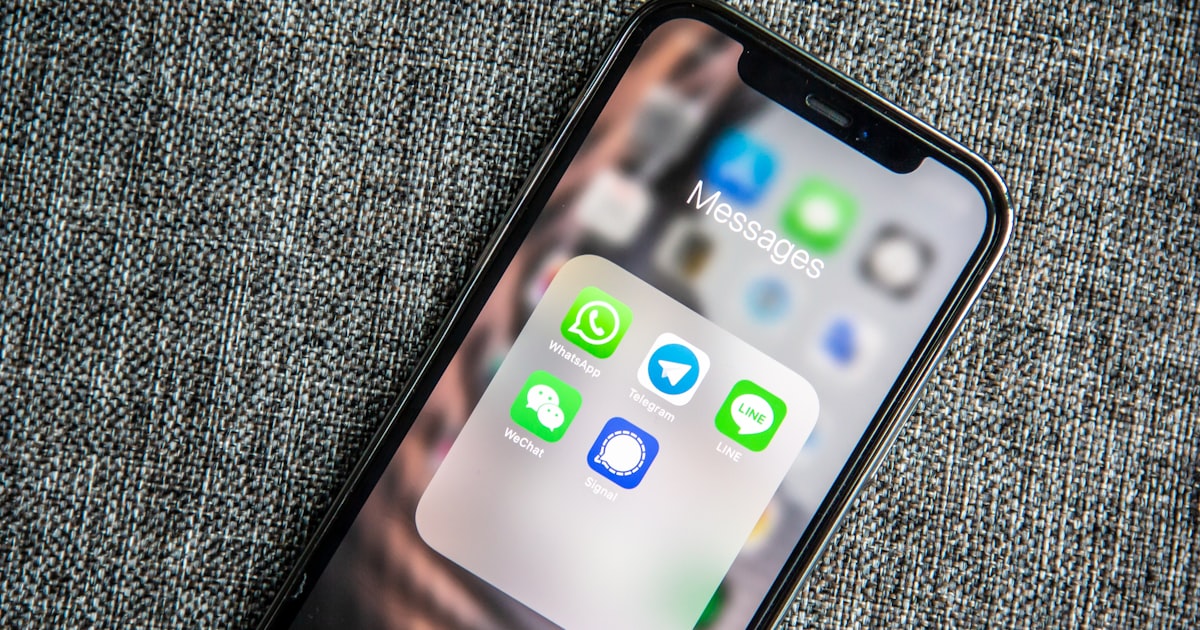
A verification code lands on your Paraguay number and, a second or two later, it appears in a private Telegram chat on the phone you already carry. That is the whole idea behind choosing to forward SMS to Telegram: the physical SIM stays in Asunción, doing its job, while the text lands wherever you happen to be. No roaming, no second handset, no logging into a carrier portal to check whether a code arrived.
This is the most product-adjacent piece of how our service works, so it is worth explaining the mechanics plainly: what happens between the sender pressing "send" and the message reaching your screen, how fast it is, and why a private chat is a sensible place to read a one-time code.
What "SMS-to-Telegram forwarding" actually means
When someone sends a text to your +595 21 (Asunción) number, that message is delivered to the line the way any SMS is. The difference is what happens next. Instead of the message sitting on a SIM card in a drawer, it is captured and relayed, in near real time, to a Telegram chat that only you can read.
You are not installing anything exotic. Telegram is the same app hundreds of millions of people already use. The forwarding happens on our side; your job is to open a chat and read what arrives.
Put simply, SMS to Telegram forwarding turns a fixed local number into something you can carry in your pocket without carrying the SIM. The number stays legally and technically anchored in Paraguay. The reading experience moves to you.
The number lives in Paraguay. You live wherever you are. Forwarding is the bridge between those two facts.
The three moving parts
There are only three things involved, and it helps to name them:
- The number — a real fixed +595 21 line, not a disposable throwaway. It is stable, so services that re-send codes months later still reach you.
- The forwarding layer — the mechanism that takes each inbound SMS and pushes it to your chat.
- Your Telegram — the private chat where messages land, searchable and synced across every device you sign in on.
How to forward SMS to Telegram, step by step
Here is the full journey of one text, from a bank's server to your screen:
- A service (a bank, a 2FA system, a government portal, a delivery notice) sends an SMS to your Paraguay number.
- The message is received on the line, exactly as it would be on any local phone in Asunción.
- Our forwarding layer detects the new message and relays its contents to your private Telegram chat.
- Telegram delivers it to every device where you are signed in — phone, tablet, desktop — and keeps it there.
- You read the code, copy it, and carry on. The forwarded copy stays in your Telegram chat, ready to search later.
No step here asks you to be in Paraguay, to swap a SIM, or to keep a spare phone charged and connected to a Paraguayan tower.
How fast is it?
In normal conditions, forwarding happens in seconds. The main variable is not our layer — it is the mobile networks themselves. Carrier SMS delivery has its own latency, and occasionally a message from a sender is delayed or dropped at the network level before it ever reaches the line. That is true of any phone, anywhere. What forwarding adds on top of ordinary SMS delivery is small.
For time-sensitive codes, this matters. A one-time password that expires in five minutes is fine when the hop from line to Telegram is a couple of seconds. We would rather set an honest expectation than overpromise: it is fast, it is not instantaneous, and the network is usually the slower part.
Why this beats keeping a foreign SIM alive
If you have ever tried to hold onto a foreign number from abroad, you know the friction. A SIM in a spare phone has to stay powered, in coverage, and topped up. Roaming is expensive and unreliable for receiving texts. Miss a top-up window and the number can lapse — and with it, any account tied to it.
Forwarding removes that entire maintenance burden.
| Keeping a physical SIM abroad | Forwarding SMS to Telegram | |
|---|---|---|
| Second device | Yes — a spare phone kept charged and in coverage | No — read on your everyday phone |
| Roaming / travel | Fragile; roaming SMS is costly and patchy | Irrelevant — you read over the internet |
| Where you read codes | On the spare phone's lock screen | In a private, searchable chat |
| History | Trapped on one device's SMS inbox | Synced across all your devices |
| Number stability | At risk if the SIM lapses | Stable fixed line, maintained for you |
| Setup effort | Buy SIM, keep it alive, manage top-ups | Read one chat |
The deeper point is separation of concerns. The line's job is to be a stable, real Paraguay number. Your job is simply to read what arrives. Forwarding lets each side do what it is good at. If you want the broader picture of receiving Paraguay texts while living elsewhere, we cover that in How to Receive Paraguay SMS Abroad (+595).
Privacy: why a private chat is a sensible place for codes
A verification code is sensitive for a short window. Where you read it matters.
A Telegram chat that only you can access is a reasonable home for these messages for a few practical reasons:
- It is not on a shared lock screen. Codes are not flashing on a spare phone that might sit on a desk or in a shared space.
- It is behind your account security. Your Telegram is protected by your login and, if you enable it, a passcode and two-step verification. Turning those on is a good idea for any account that receives codes.
- It is searchable. Need the confirmation number from a purchase three weeks ago? Search the chat. No scrolling a phone's SMS inbox.
A few sensible habits keep it tidy:
- Enable a passcode lock and two-step verification on your own Telegram account.
- Do not forward the chat contents onward to anyone. A one-time code is exactly that — for one time, for you.
- Sign out of Telegram on devices you no longer use.
Forwarding moves where you read a code. It does not change the basic rule: never share a one-time code with anyone, including people who claim to be from the service that sent it.
Reading verification codes in Telegram, in practice
Most of what people receive on a number like this is short and functional: verification codes, 2FA prompts, KYC confirmations, appointment reminders, delivery notices. Reading verification codes in Telegram works well for all of them because the messages are short, the app is fast to open, and the copy-paste flow is quick.
A realistic use pattern looks like this: you are setting up an account with a service that wants a Paraguay number. You enter your +595 line, the service sends a code, and within seconds you are reading it in Telegram and typing it back. You never touched the SIM.
One honest caveat worth repeating: many services accept a number like this, and some do not. A minority of platforms specifically reject fixed-line numbers, or block anything they classify as non-personal, regardless of how the message is delivered. Forwarding does not change whether a given service accepts your number — it only changes how you read what that number receives. If a service rejects the line itself, no forwarding method will fix that.
Where this fits with a registered line
Forwarding is a mechanic, not a legal status. It works the same whether your number is the Basic plan (a fixed +595 number with instant Telegram forwarding, not registered in your name, $10/mo) or the In your name plan (registered in your name with a real Asunción street address, where the monthly bill can serve as proof of address, $21/mo). There is no setup fee on either.
The choice between them is not about how you read messages — that is identical. It is about whether you need the line in your own name and an address that produces a document. If that distinction matters for your situation, Virtual Paraguay Number vs a Registered Line walks through it, and you can see both options on the pricing page.
A note on the address and residency side of things: if you are weighing a Paraguay number as part of a fiscal-residency plan, treat anything you read here as general information, not tax or legal advice. Rules change and personal circumstances differ — consult a qualified professional before making decisions that hinge on residency or documentation.
FAQ
Do I need to install anything besides Telegram?
No. Telegram is the only app you need, and most people already have it. The forwarding itself runs on our side — you receive messages in a private chat and read them like any other Telegram conversation, on whichever devices you are signed in to.
How long does it take for a text to reach Telegram?
Usually a few seconds. The forwarding step is quick; the larger variable is ordinary carrier SMS delivery, which has its own latency and is the same on any phone. For most verification codes, which stay valid for several minutes, this is comfortably fast enough.
Is it safe to receive verification codes this way?
A private Telegram chat is a reasonable place to read short-lived codes, especially if you enable a passcode and two-step verification on your account. The universal rule still applies: never share a one-time code with anyone, and do not forward the messages onward. Forwarding changes where you read a code, not the basic security hygiene around it.
Will my Paraguay number work for every bank or service?
Not necessarily. Many services accept a fixed +595 number and its forwarded messages without issue, but some platforms reject fixed-line or non-personal numbers regardless of how messages are delivered. Forwarding does not influence that decision — it only affects how you read what the number receives.
Keep reading
Virtual Paraguay Number vs a Registered Line: Which Do You Need?
Compare a cheap virtual +595 number with a real registered Paraguay line in your name. See which one passes bank KYC, gives proof of address, and lasts.
ReadHow to Receive Paraguay SMS Abroad (+595)
Living outside Paraguay but need to receive an SMS on a +595 number for a bank, 2FA, or KYC code? Here are the real options, what each costs, and their trade-offs.
Read